

Custom MT Module
Dieser Inhalt ist noch nicht in deiner Sprache verfügbar.
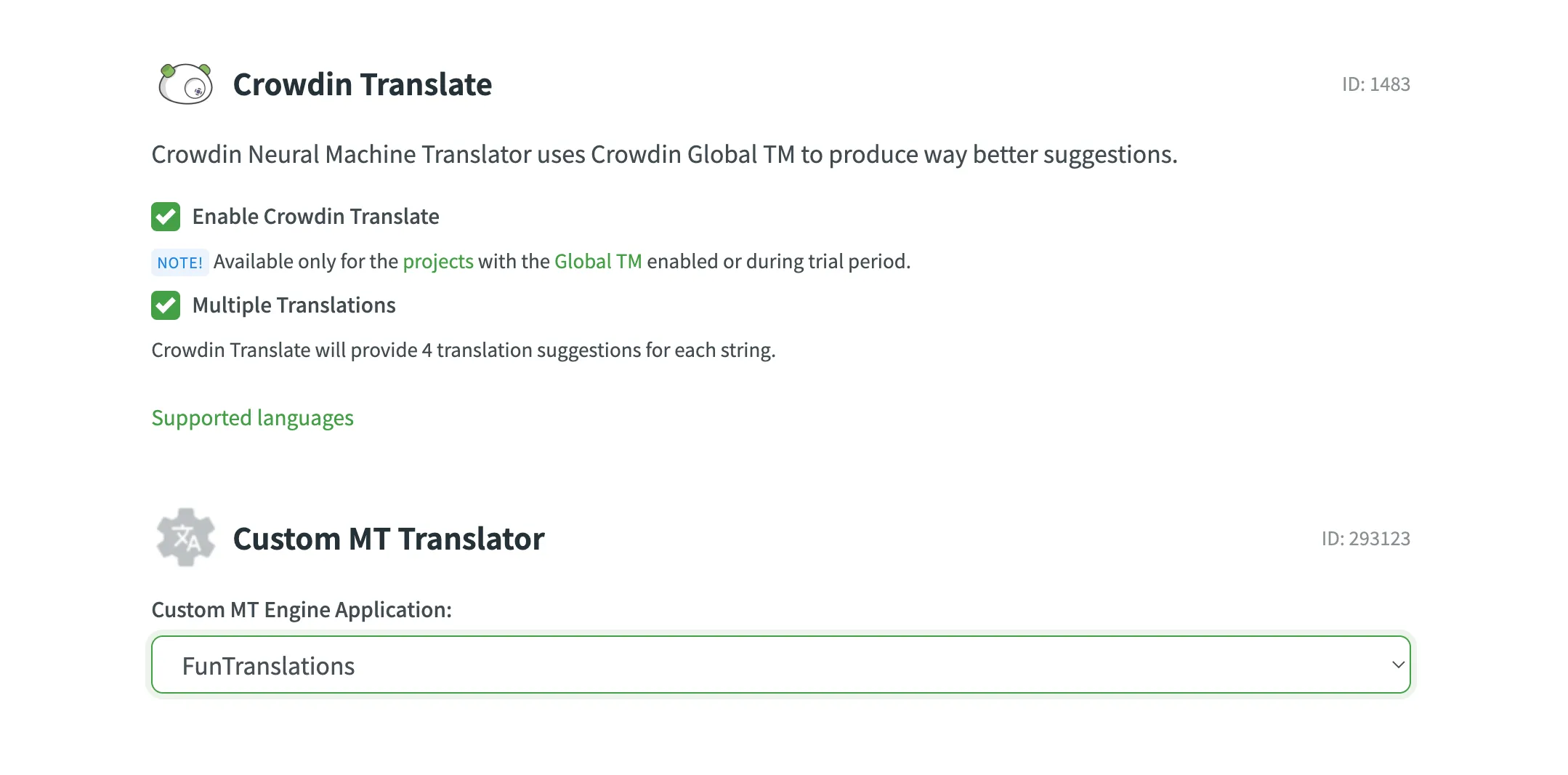
In Crowdin uebersetzenThis module helps you connect machine translation engines not yet supported by Crowdin. Once you create this kind of app, you’ll be able to auto-translate your content with the connected MT or enable translation suggestions made by it to be shown in the Editor for translators.
You can grant access to this module to one of the following user categories:
For Crowdin:
- Only me (i.e., project owner)
- All project members
- Selected users
For Crowdin Enterprise:
- Only organization admins
- All users in the organization projects
- Selected users
{ "modules": { "custom-mt": [ { "key": "custom-mt", "name": "Custom MT", "logo": "/logo.png", "url": "/translate", "withContext": true, "batchSize": 10, "splitStringsIntoChunks": true } ] }}key | Type: Required: yes Description: Module identifier within the Crowdin app. |
name | Type: Required: yes Description: The human-readable name of the module. |
logo | Type: Required: yes Description: The relative URL to the custom MT’s logo that will be displayed in the Crowdin UI. |
url | Type: Required: yes Description: The relative URL to the content page of the module that will be integrated with Crowdin. |
withContext | Type: Required: no Description: The additional meta data that will be sent along the strings. |
batchSize | Type: Required: no Description: The maximum quantity of strings that can be sent to the Custom MT app in one request. |
splitStringsIntoChunks | Type: Required: no Default: Description: Controls batch processing. If set to |
environments | Type: Allowed values: Description: Set of environments where a module could be installed. |
Communication between Custom MT App and Crowdin
Section titled “Communication between Custom MT App and Crowdin”The system sends texts for translation using url and then the app processes the texts and responds back to the system with one of the two possible types of responses: without errors, and with errors.
HTTP request:
https://{AppBaseUrl}/translate/?source=en&target=uk&project_id=727186&jwtToken={yourTokenValue}source | Type: Description: Source language. |
target | Type: Description: Target language. |
project_id | Type: Description: The numeric identifier of a Crowdin project. |
jwtToken | Type: Description: JWT token used for authorization. |
strings | Type: Description: Source strings that require translation. |
By default, Crowdin splits source strings into smaller chunks (splitStringsIntoChunks: true) to optimize processing time and manage request sizes.
However, some modern MT engines and AI providers (such as XL8 or LLMs) require the full context of a file to produce high-quality translations. This is particularly important for formats like subtitles (SRT) or literary content where the translation of one sentence depends heavily on the previous one.
If you are connecting an engine that supports file-based or document-level translation:
- Set
splitStringsIntoChunkstofalsein your manifest. - Crowdin will send all strings belonging to a single file in one request.
Handling Non-Translatable Elements by Your MT Engine
Section titled “Handling Non-Translatable Elements by Your MT Engine”For strings containing non-translatable elements (e.g., tags, placeholders, etc.), Crowdin replaces these elements with special notranslate tags. This ensures that these elements remain in their original state after the string is translated by the MT engine. Crowdin uses this approach to avoid potential issues that could break exported translation files.
Below you can see the examples of a string before and after the modification.
Here is an example of how a string containing non-translatable elements (tags, placeholders, etc.) looks in Crowdin:
<strong>Task:</strong>This is how Crowdin modifies the above string before sending it to the MT engine:
<span class="notranslate">0</span>Task:<span class="notranslate">1</span>Customizing Non-Translatable Elements for Your MT Engine
Section titled “Customizing Non-Translatable Elements for Your MT Engine”If your MT engine already has a similar feature but implements it differently from Crowdin, we recommend adjusting the handling of non-translatable elements in your Custom MT app to match your MT engine’s implementation. Specifically, replace Crowdin’s defaults, like
<span class="notranslate">%index%</span>with do-not-translate elements specific to your MT engine.
Here you can explore an implementation example of do-not-translate elements in Amazon Translate: Using do-not-translate in Amazon Translate.
Handling Translations with Altered Non-Translatable Elements
Section titled “Handling Translations with Altered Non-Translatable Elements”If the MT engine sends a translation to Crowdin that doesn’t include all tags in their original state or if they are somehow altered (e.g., translated), Crowdin will ignore such translations and won’t save them to the string.
Request to the App from Crowdin for applicationUrl (simple)
Section titled “Request to the App from Crowdin for applicationUrl (simple)”Request payload example:
{ "strings": [ "Save as...", "New file", "You received one message.", "You received {number} messages." ]}Request to the App from Crowdin for applicationUrl (extended)
Section titled “Request to the App from Crowdin for applicationUrl (extended)”To use the extended request please add the withContext parameter to your Custom MT module.
Request payload example:
{ "strings": [ { "id": 1, "projectId": 727186, "fileId": 47047, "text": "Save as...", "identifier": "save_as", "context": "translation Context", "maxLength": 15, "isHidden": false, "isPlural": false, "pluralForm": null },36 collapsed lines
{ "id": 2, "projectId": 727186, "fileId": 47047, "text": "New file", "identifier": "new_file", "context": "translation Context", "maxLength": null, "isHidden": false, "isPlural": false, "pluralForm": null }, { "id": 3, "projectId": 727186, "fileId": 47047, "text": "You received one new message.", "identifier": "new_message", "context": "translation Context", "maxLength": null, "isHidden": false, "isPlural": true, "pluralForm": "one" }, { "id": 3, "projectId": 727186, "fileId": 47047, "text": "You received {number} new messages.", "identifier": "new_message", "context": "translation Context", "maxLength": null, "isHidden": false, "isPlural": true, "pluralForm": "other" } ]}Expected Response from the App (Without errors)
Section titled “Expected Response from the App (Without errors)”Response payload example:
{ "data": { "translations": [ "Зберегти як...", "Новий файл", "Ви отримали одне нове повідомлення.", "Ви отримали {number} нових повідомлень." ] }}The translations array must be nested under the top-level data object. A response that returns the array at the top level (for example, {"translations": [...]}) is treated as containing no translations and is rejected.
Return exactly one translation per source string, in the same order as the strings were received. Crowdin matches translations to source strings by their position in the array, not by identifier. If the number of returned translations does not match the number of strings sent, that batch is skipped.
For large payloads, you can return a translationsUrl instead of the inline translations array:
{ "data": { "translationsUrl": "https://app.example.com/jKe8ujs7a-translations.ndjson" }}translationsUrl is a public URL to a new-line delimited json file with the translated strings. Use either translations or translationsUrl.
Expected Response from the App (With errors)
Section titled “Expected Response from the App (With errors)”Response payload example:
{ "error": { "message": "Error message from the App or MT engine" }}The structure of the responses from the app should correspond to the presented examples, otherwise Crowdin will consider them invalid.
If the Custom MT app returns a response but translations are not saved, the response body most likely does not match the expected schema. When a response is rejected, Crowdin includes the received status code and body in the error message, so you can compare it against the schema above.
| Error message | Likely cause | How to fix |
|---|---|---|
| Custom MT engine returned no translations | The translations array is missing, empty, or placed outside the data object (for example, returned at the top level). | Nest the translations array under the data object and make sure it is not empty. |
| Custom MT engine returned invalid translation | One of the elements in the translations array is not a string. | Return each translation as a plain string. |
| Custom MT engine returned unexpected response | The response body is not valid JSON. | Return a well-formed JSON body that matches the expected schema. |
| Custom MT engine returned HTTP error | The endpoint responded with a non-2xx HTTP status code. | Return HTTP 200 for successful translations, and use the error response format to report failures. |
Some responses are rejected without an error message. If the number of returned translations does not match the number of source strings sent, Crowdin skips that batch and leaves those strings untranslated. Make sure your app returns exactly one translation per source string, in the same order.